AI Sales Automation for Contractors: The System That Works While You Sleep
Here's the thing nobody tells you about AI sales automation for contractors: automation without strategy is just faster failure.
I talked to a painting contractor last month. Spent $800 on fancy automation software. Set it to auto-respond to every lead. You know what happened? His conversion rate dropped from 32% to 18%. The bot was fast. It was also terrible.
Speed doesn't matter if your message sucks. Automation doesn't matter if it can't hold a conversation. And fancy AI is worthless if it hands off to you at the wrong time.
But when you get it right? That's when things get interesting.
What AI Sales Automation Actually Does
AI sales automation for contractors handles three things:
- Catches every lead the second it comes in
- Has real conversations that move people toward booking
- Gets them scheduled without you lifting a finger
That's it. Not complex. But most contractors get at least one of these wrong.
The automation responds in under 60 seconds. Every time. Even at 11 PM on a Sunday. It texts the homeowner. Uses their name. Mentions their specific problem. Asks when they want someone out there.
Then it keeps the conversation going. Answers questions about pricing. Explains your process. Handles the "I need to think about it" objection. All while you're finishing a job or eating dinner.
When they're ready to book, it shows them your calendar. They pick a time. You get a notification. Done.
Why This Matters More Than You Think
63% of contractor leads come in outside business hours. After 5 PM. Weekends. Holidays.
If you respond within 5 minutes, 78% of those leads book with you. Wait 4 hours? That drops to 17%. By the next morning, you've lost the deal to whoever responded first.
Here's the math on 150 leads per month:
Without automation:
- You respond in about 4 hours on average
- 17% conversion rate = 26 jobs
- At $3,500 per job = $91,000/month
With automation:
- Response in under 5 minutes
- 54% conversion rate = 81 jobs
- At $3,500 per job = $283,500/month
That's $192,500 more per month. From the same leads.
The leads weren't bad. Your follow-up was.
The 3-Step Setup That Actually Works
Most automation guides give you 47 steps and take 6 weeks. Here's what actually matters.
Step 1: Connect Your Lead Sources (Day 1)
Every place leads come from needs to feed into one system:
- Website contact forms
- Facebook lead forms
- Google Local Services
- Angi or HomeAdvisor
- Phone calls
You're not building this from scratch. Pick a platform that already has these integrations. TruLine connects them all in about 20 minutes.
The platform catches the lead and starts the conversation automatically. No waiting for you to check your email or look at your CRM.
Step 2: Build Your Response (Day 1-2)
Your first automated message makes or breaks everything. Here's what works:
Bad automation: "Thank you for your inquiry. We have received your request and will respond during business hours."
Good automation: "Hi Sarah, just saw your message about your AC not cooling. With this heat, that's urgent. I can get someone to your place tomorrow at 2 PM or Friday morning. Which works better?"
The difference:
- Uses their name
- Mentions their specific problem
- Shows urgency understanding
- Gives options, not promises
- Asks a question to keep them engaged
Write 5-7 message templates for different situations:
- Emergency repairs (broken AC, flooding, no power)
- Planned work (estimates, replacements)
- Maintenance (tune-ups, inspections)
- Just looking (gathering information)
- Price shopping (wants quote from multiple contractors)
Each situation needs different urgency and tone.
Step 3: Set Up Smart Handoffs (Day 2-3)
This is where most automation fails. The AI tries to do everything. It can't.
Your automation should hand off to a real person when:
- Customer gets frustrated
- Questions get too complex
- Job value is over $10,000
- They explicitly ask for a person
- They need custom pricing
Everything else? Let the AI handle it.
The AI can answer:
- "Do you service my area?"
- "What's your pricing?"
- "Can you come today?"
- "Do you offer financing?"
- "What's included in the service?"
It can't answer:
- "Can you match this other quote?"
- "I have a really weird situation..."
- "This is an emergency, I need help NOW"
- Complex technical questions
Set up notifications so you know when the AI hands off. You get a text with the full conversation. You take over and close the deal.
What Works for Different Trades
HVAC Contractors
Emergency repairs during heat waves or cold snaps need instant response. Your automation should:
- Respond in under 60 seconds for keywords like "not working" or "broken"
- Offer same-day or next-day service
- Explain repair vs. replace options
- Present financing for big replacements
Don't use the same sequence for maintenance as you do for emergencies. Tune-up requests can wait a few hours. No heat in January can't.
Plumbing Contractors
Water damage creates panic. Your automation needs to calm people down while getting you out there fast.
First message for emergencies: "Hi [Name], I just got your message about [problem]. First, here's what to do right now to prevent more damage: [2-3 specific steps]. I'm dispatching someone to your property ASAP. Can you do [time] today?"
Give them immediate value even before you arrive. That's how you turn a crisis into a long-term customer.
Electrical Contractors
Safety comes first. Automation should recognize danger words:
- "Sparking" → Immediate safety warning + emergency dispatch
- "Smoke" → Tell them to shut off power + call 911 if needed + send tech
- "Shock" → Don't touch anything + emergency service
Don't let AI handle safety-critical situations alone. These need immediate human involvement.
Roofing Contractors
Storm damage = opportunity. When severe weather hits your area:
- Automated outreach to past customers in affected zip codes
- Free inspection offers
- Insurance claim help positioning
- Fast scheduling for inspections
One roofing contractor in Dallas runs this automatically after every storm. Made $1.3M additional revenue in his first year.
The Mistakes That Kill Automation
Mistake 1: Sounds Like a Robot
"Your inquiry has been received and logged into our system."
Nobody talks like this. Write like you text a friend. Use contractions. Keep it short. Be human.
Mistake 2: Never Involves Humans
Automation that tries to do everything frustrates customers and loses deals. High-value work needs human touch. Set your handoff triggers and stick to them.
Mistake 3: Same Message for Everyone
Emergency repairs need different messaging than planned projects. Someone with a broken furnace in winter doesn't want a 3-day nurture sequence. They want someone there today.
Build different paths for different situations.
Mistake 4: No Follow-Up
One automated message isn't enough. You need a sequence:
- Immediate response (under 60 seconds)
- 2 hours later: Educational content
- Next day: Social proof (reviews)
- 2 days later: Limited-time offer
- 3 days later: Final check-in
Stop when they book or tell you they're not interested.
Mistake 5: Ignoring the Data
If your automation is live and you're not checking these numbers weekly, you're flying blind:
- Response time (target: under 5 minutes)
- Conversion rate (target: 50%+)
- Hand-off rate (should be 15-25%)
- Revenue per lead
Check every Monday. Fix what's broken. Double down on what works.
What It Actually Costs
Platform subscription: $200-$800/month depending on features
Setup time:
- DIY: 60-100 hours of your time
- With help: $2,000-$5,000 one-time
- Done for you: $5,000-$12,000 one-time
Total first-year cost: Around $12,000 average
ROI if you have 150 leads/month:
- Extra revenue: $192,500/month (from earlier math)
- Annual extra: $2,310,000
- Return on $12,000 investment: 19,150%
Even with conservative estimates (45% conversion instead of 54%), you're still adding $795,600 annually.
Most contractors pay back their entire investment in the first month.
How to Start This Week
Day 1-2: Pick your platform. Look for contractor-specific features, not generic marketing automation. You need something built for home service sales cycles.
TruLine is purpose-built for contractors. So is ServiceTitan (though way more expensive). HubSpot and ActiveCampaign work but need heavy customization.
Day 3-5: Connect your lead sources and write your first automated sequences. Start simple:
- One message for emergencies
- One for planned work
- Basic hand-off rules
You can get fancy later.
Day 6-7: Test everything with your team. Have them submit fake leads. Make sure messages sound good. Verify scheduling works. Check that handoffs trigger correctly.
Week 2: Go live. Monitor closely. Read every conversation. Tweak what sounds wrong.
Week 3-4: Optimize based on real data. Double down on what's working.
The Real Question
You already know automation works. The data is clear. 78% conversion rate with 5-minute response time versus 17% with 4-hour response.
The question isn't whether automation helps. It's whether you're willing to set it up.
Most contractors will read this and do nothing. They'll keep manually responding to leads. Missing the ones that come in at night. Losing deals to whoever responds first.
A few will actually implement this. They'll connect their lead sources. Build their sequences. Let the system run.
Those contractors will close 2-3x more jobs from the same leads. While working fewer hours. Because the system handles the repetitive stuff.
What Automation Can't Do
Let me be clear about what this doesn't replace.
Automation doesn't:
- Give estimates for complex jobs
- Handle angry customers
- Close high-value work ($15k+)
- Build relationships with repeat customers
- Make judgment calls on weird situations
It handles the repetitive middle part. The back-and-forth scheduling. The basic questions. The "just looking" leads who need nurturing.
That frees you up for the stuff that actually needs your expertise.
Your Next Step
Start with one lead source. One automated sequence. One week of testing.
You don't need to automate everything on day one. Just prove it works.
Pick your highest-volume lead source. Build a basic response sequence. Turn it on. Watch what happens.
If it works—and it will—expand from there.
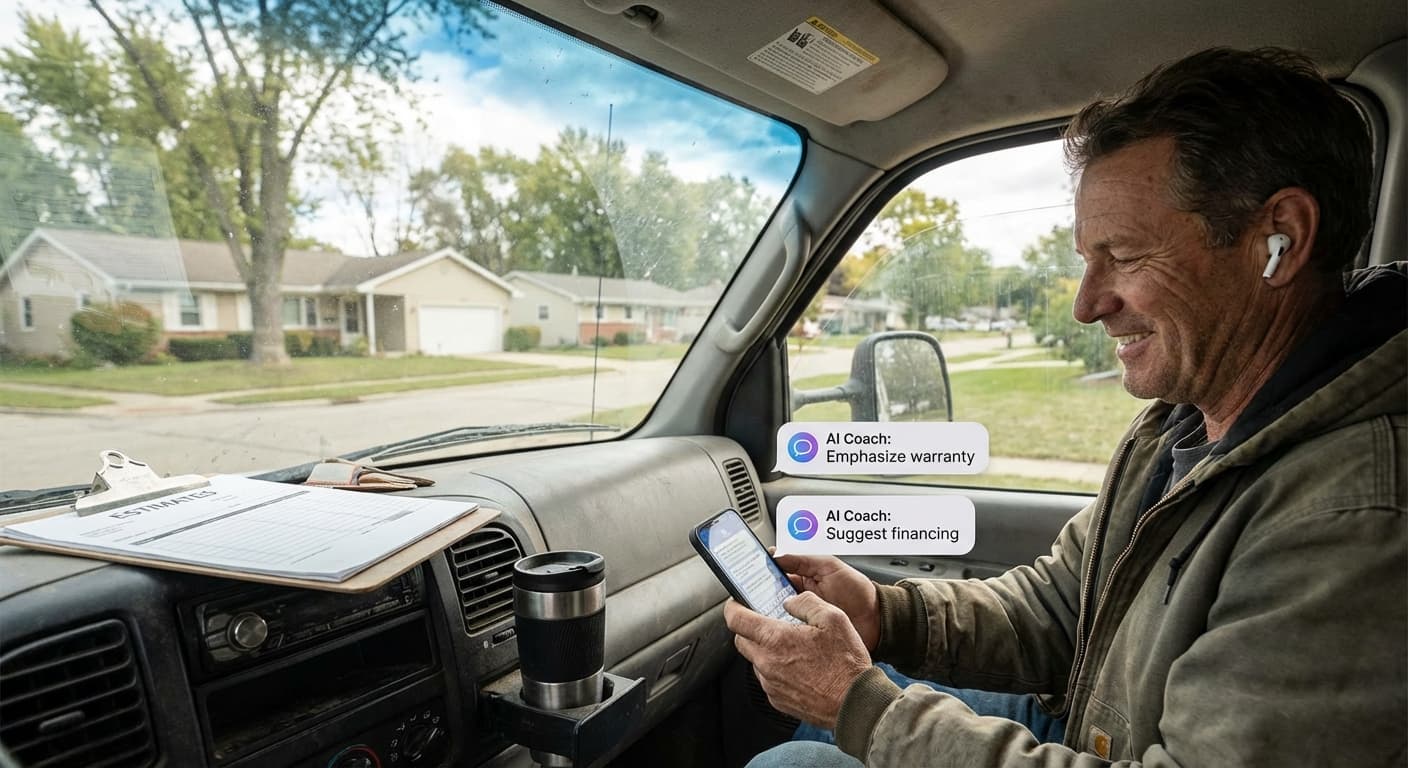
Want to see it in action? TruLine's AI sales automation is built specifically for contractors. It includes the response system, conversation AI, and scheduling automation. Plus real-time coaching for when you take over calls.
We've helped 200+ HVAC, plumbing, electrical, and roofing contractors average 67% conversion rates. Most see ROI in the first 30 days.
Check pricing or call 941-417-0202 to see how it works with your actual leads.
The system runs while you sleep. The question is: do you want it running for you or your competition?
Keep Learning
Want to understand how the AI coaching part works when you take over conversations? Read our guide on AI sales coaching for contractors.
Curious about the actual ROI numbers from real contractors? See the AI sales coaching ROI breakdown.
Need help with live conversation AI once automation books the appointment? Check out sales conversation AI for home services.